Star Savior PC Guide: System Requirements, Settings, And Performance Tips
Star Savior runs natively on PC via Steam and Google Play Games, with relatively modest system requirements and plenty of room to scale up for higher resolutions. With a few simple tweaks you can keep the game smooth even on mid-range hardware.
PC system requirements
Official Steam and PC breakdowns indicate that Star Savior targets modern mid-range rigs rather than high-end PCs.
Approximate minimum PC specs:
If you can comfortably run other modern anime gacha titles or light action RPGs at 1080p, you should be fine with Star Savior on recommended settings.
Graphics and settings recommendations
The PC client includes typical graphics toggles (resolution, frame rate, quality presets) comparable to other cross-platform titles.
For mid-range PCs (GTX 1050-class or similar):
- Resolution: 1920×1080 (native monitor resolution).
- Graphics preset: Medium or High, depending on your GPU; start at Medium if you notice dips.
- Frame rate: 60 FPS cap if available; turn off higher caps if your GPU struggles.
- Shadows and effects: Set to Medium; these usually hit performance hardest.
- Anti-aliasing: Low or Medium; higher levels cost frames for relatively small gains.
For low-end or laptop systems:
- Resolution: Drop to 1600×900 or 1280×720 to reduce GPU load.
- Graphics preset: Low, with shadows and post-processing disabled or minimised.
- V-Sync: Off if you’re chasing maximum FPS; on if you see tearing.
Control options and QoL settings
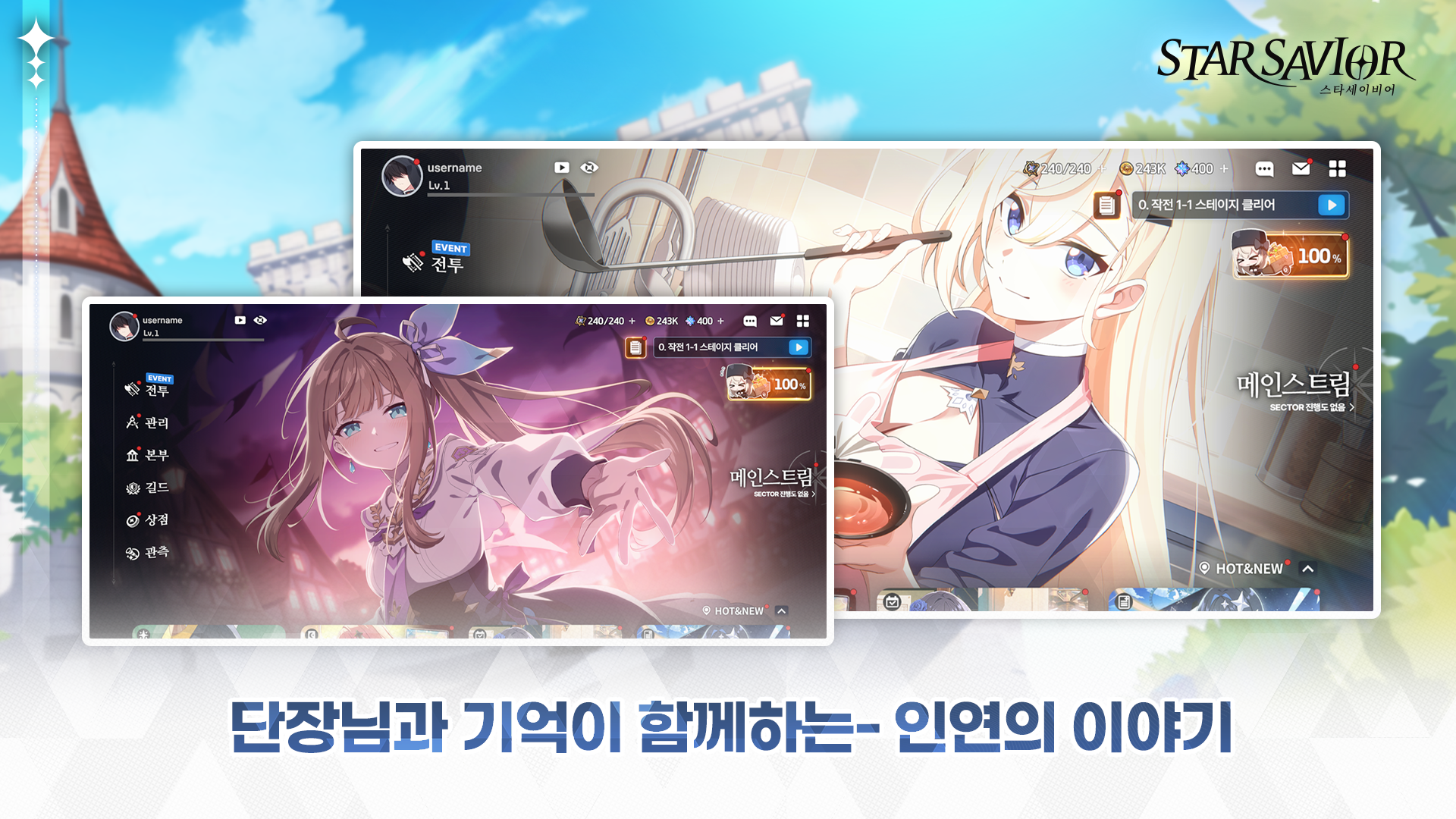
Star Savior supports both keyboard/mouse and controllers, with the PC version offering improved UI scaling and control mapping.
Recommendations:
- Use a controller if you prefer a console-like feel for movement and combat; button prompts adjust accordingly.
- Rebind key skills and dodges to easily reachable keys (e.g., Q/E/R/F or mouse buttons) to reduce hand strain during longer sessions.
- Enable damage numbers and clear skill indicators in the settings menu to track Break and Nova interactions more easily.
Performance tips and troubleshooting
For smoother performance and fewer stutters, combine in-game settings with system-level tweaks:
- Update GPU drivers (NVIDIA/AMD) before launch or after major patches.
- Run the game in full-screen mode rather than borderless windowed to reduce input lag and potential stutter.
- Close overlays and background apps (Discord, browser, recording software) to free CPU and RAM.
- On Windows, enable “Game Mode” and, if necessary, set the Star Savior process to “High” priority in Task Manager for marginal gains.
If you still see performance issues, drop shadows and post-processing to Low first, then reduce resolution; these changes usually deliver the largest FPS increase at the lowest visual cost.