Final Fantasy 7 Ever Crisis Unable to Connect: How to fix
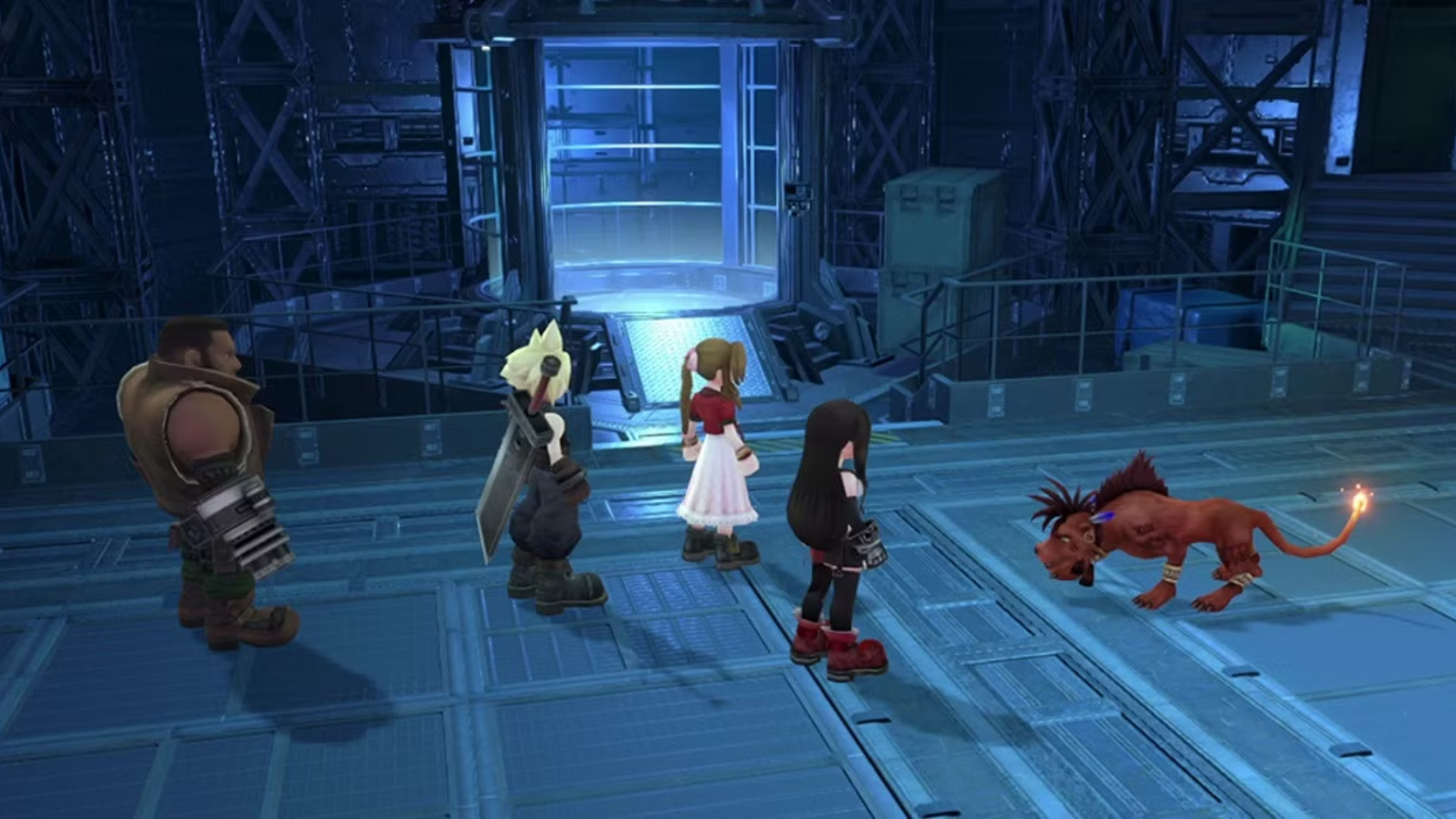
If you’re encountering the dreaded “Unable to Connect” / Network Error message when launching Final Fantasy 7 Ever Crisis, you’re not alone. Many players on mobile and PC have run into this issue. Below is a step-by-step guide with potential fixes, troubleshooting tips, and insights to get you back into the game.
Why does “Unable to Connect” happen?
Before jumping to fixes, here are common causes:
| Cause | Description |
|---|---|
| Server-side / maintenance | The game servers may be down or undergoing maintenance. |
| Network instability | Unstable Wi-Fi, mobile data, or switching networks mid-download can trigger errors. |
| VPN / proxy interference | VPNs or proxies can disrupt the game’s ability to reach its servers. |
| Corrupted installation / cache | A corrupted file or cache can prevent proper login. |
| Firewall / security software | On PC, firewall or security software might block connections. |
Square Enix has acknowledged connection issues in the past and has said it’s working on fixes.
Step-by-Step Fixes
1. Check server status & maintenance
First, verify whether the servers are down. The game’s official site or social media (X / Twitter) often posts updates. If servers are down, you’ll just need to wait.
2. Restart your device and network
- Power off and then power on your phone, tablet, or PC.
- Restart your router / modem.
- Try switching between Wi-Fi and mobile data (or tethering via hotspot).
3. Turn off VPN or proxy
If you have a VPN or proxy enabled, disable it and test again. Some users have found VPNs prevent connections.
Some community users report a workaround:
“Begin download with the VPN off; when the network error appears, go back to title, then switch on VPN quickly; download finishes with VPN on, then turn VPN off again.”
Try carefully if you’re comfortable with that, but generally a non-VPN direct connection is safer.
4. Clear cache / repair / reinstall
- Many games offer a Repair or One-Click Repair option at the login screen.
- If repair doesn’t work, uninstall and then reinstall the game. This is often the fastest fix.
- On PC, also clear temporary files or any leftover game files before reinstalling.
5. Verify firewall / security / antivirus settings (PC)
- Add the game folder or executable as an exception.
- Temporarily disable firewall / antivirus and test.
- Ensure that date/time settings on your PC are correct (sometimes mismatched system time causes TLS/SSL handshake failures).
Quick Comparison: Mobile vs PC Fixes
| Platform | Most Effective Fixes |
|---|---|
| Mobile (iOS / Android) | Reinstall app, switch network, disable VPN, check server status |
| PC / Steam | Reinstall, firewall exceptions, clear cache files, network reset |
| Works on both | Restart device, try alternate network (hotspot), check for server downtime |
Additional Tips & Final Thoughts
- Use a hotspot / tethering alternative: Some users have temporarily switched to their phone’s hotspot to let the download progress, then switched back.
- Be patient with large updates: Sometimes the failure happens near 98–100% of download progress.
- Contact support: If none of the above fixes work, reach out to the game’s support team via their official channels.
By following these steps, from checking server status to reinstalling the game, you increase your odds of clearing the Unable to Connect error and getting back into the world of Final Fantasy 7 Ever Crisis.