Best Platform to Play Aniimo On: Mobile vs PC vs Xbox Performance Expectations
Aniimo runs on all three major ecosystems, but early tests suggest Xbox and a strong PC currently offer the smoothest experience, with mobile best suited for flexible, on‑the‑go play.
Quick Recommendation

Aniimo on Xbox: “Console-Perfect” Experience
Xbox Series X|S is the most “plug-and-play” way to enjoy Aniimo with consistent performance. The Xbox store lists support for 4K Ultra HD, HDR10, 60 fps+, ray tracing, Dolby Atmos, and full optimization for Series X|S. You also get Xbox cross‑platform multiplayer and co‑op (2–4 players co‑op, up to 100 in shared spaces), making console a strong home base for group play.
For players who just want Aniimo to “look like the trailer” with minimal fiddling, Xbox is likely the best first choice at launch.
Xbox Highlights
- 4K/HDR visuals and 60 fps+ target with ray tracing.
- Stable couch and online co‑op with controller‑native UI.
- No hardware tweaking or driver issues to worry about.
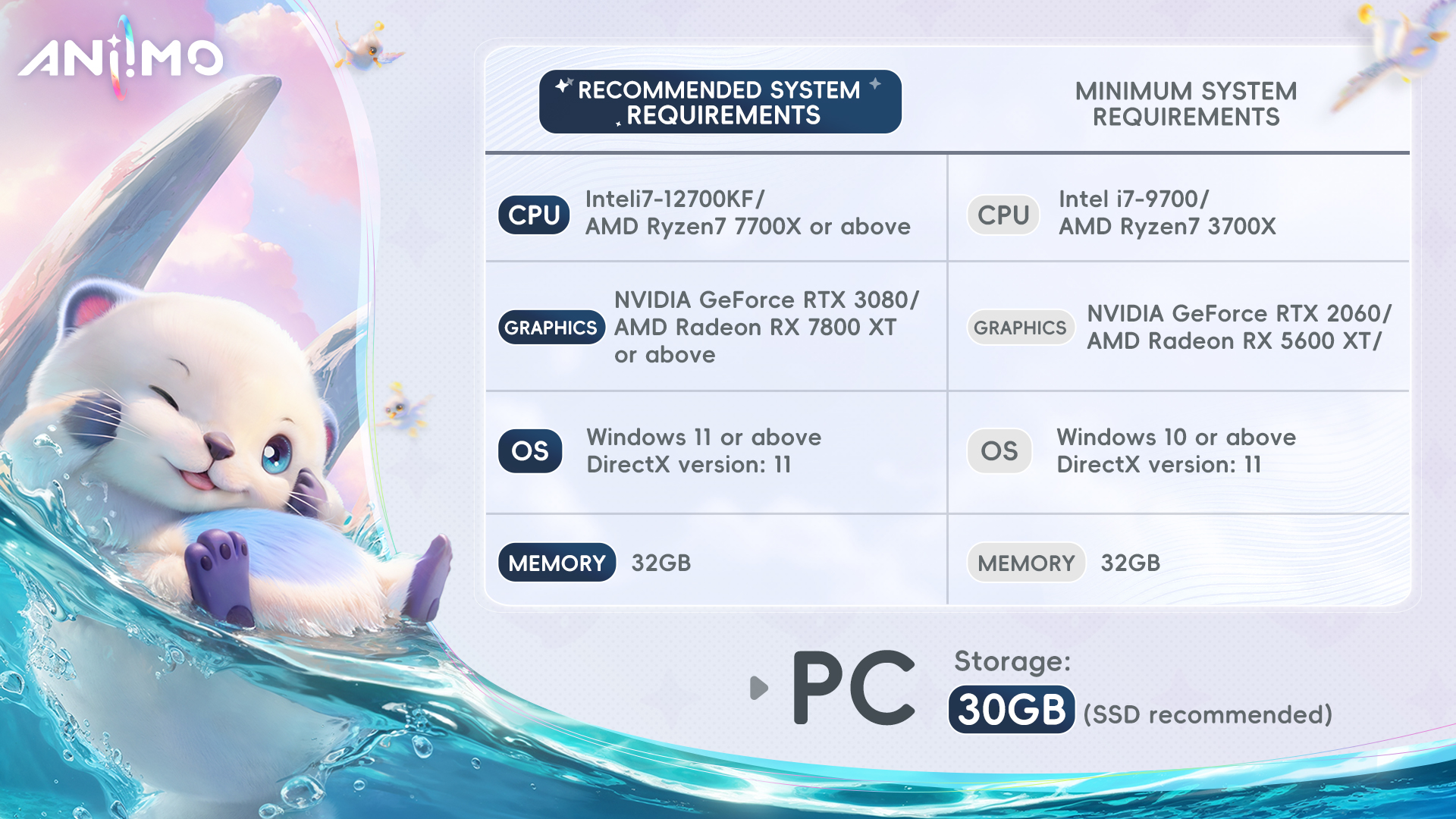
Aniimo on PC: Maximum FPS, Some Beta Jank
On a strong PC, Aniimo can look and run extremely well, but closed beta feedback points to inconsistent performance and missing settings. One tester on an i7 + RTX 4080 setup reported that the game recommends Ultra and averages around 160 FPS, but suffers from frequent dips down to ~70 FPS during hitches. They also note absent basics like mouse sensitivity and brightness sliders in the current build, which makes PC feel less polished than it should in 2026.
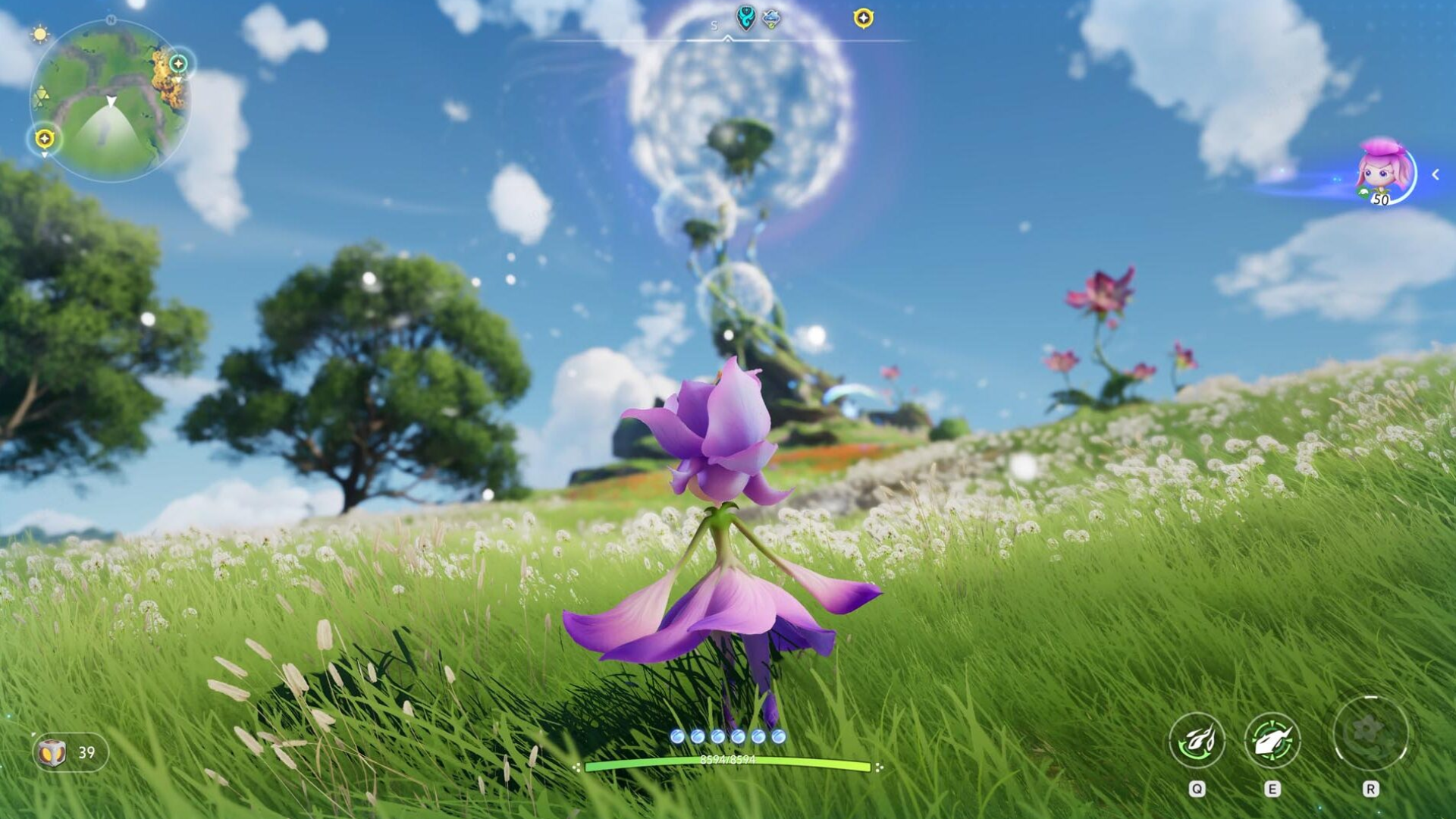
That said, reviewers highlight that the open world looks great at high settings and that many of the hitches feel tied to first‑time area loading, typical beta territory likely to improve toward launch.
PC Highlights
- Highest ceiling for FPS and visual presets on good hardware.
- Keyboard/mouse and controller support; full graphics options (with more expected by launch).
- Best for players who care about tweaking settings and streaming.
PC Trade-offs
- Noticeable FPS spikes and occasional stutter even on high-end rigs (in beta).
- Incomplete QoL settings like sensitivity/brightness in current test builds.
Aniimo on Mobile: Convenience First, Polish Later
Mobile versions let you grind, explore, and manage your Aniimo roster anywhere, but current impressions suggest they’re the least polished of the three. One creator who tested the closed beta said the game “runs best on mobile, but it’s really badly ported,” pointing to on‑screen prompts clearly lifted from touch UI showing up awkwardly when played elsewhere. That comment underscores that mobile is the primary control baseline, but also that interface and optimization are still being tuned.
For launch, you should think of mobile as the convenience platform, great for dailies, farming, and casual exploration, rather than the ideal place to experience big story beats or visual setpieces.
Mobile Highlights
- Full game client in your pocket; easy to keep up with events.
- Touch-first controls fit simple combat and collection loops.
Mobile Trade-offs
- UI and control schemes feel janky in current tests, especially when mirrored or compared to PC/console.
- Performance will vary heavily by device; no stable, high-end benchmark yet.
So, What’s the Best Platform?
- Choose Xbox if you want the smoothest “set it and forget it” performance with big-screen visuals and stable co‑op.
- Choose PC if you have strong hardware and care about ultra settings, FPS, and mods/streaming, and you’re willing to tolerate some performance spikes while the devs polish.
- Choose mobile if convenience and constant access matter more than visual fidelity or perfect controls; use it as your secondary grind platform tied to your main account.
Because Aniimo is built with cross‑progression in mind, the real “best” setup for gacha grinders will likely be a mix: Xbox or PC at home for serious sessions, and mobile for dailies on the go.